Nearly 80% of enterprise data is unstructured, and about 90% of it is never analyzed. Much of that information lives in emails, messages, PDFs, forms, documents, and attachments that sit outside the structured systems organizations depend on to run the business.
The challenge is not choosing between structured and unstructured data. Modern organizations need both. The challenge is connecting them securely enough, and intelligently enough, that information can move into the applications, workflows, and decisions that depend on it.
This guide explains the structured and unstructured data divide, why fragmented exchange creates operational and compliance problems, and how organizations can build a more connected approach using secure messaging, forms, document exchange, integrations, APIs, and AI-assisted automation.
The Data Divide
Why Structured and Unstructured Data Need to Work Together
Every enterprise runs on both structured and unstructured data. Structured information is organized for systems to search, process, and analyze. Unstructured information carries much of the context people rely on, but it often remains trapped in emails, messages, documents, PDFs, and attachments.
The challenge is not simply that both data types exist. It is that they often move through different systems and workflows, making it harder to use information efficiently, securely, and consistently.
-
80 %of enterprise data is unstructured
-
90 %of unstructured data is never analyzed
-
12hrsavg. lost yearly hunting for siloed data
-
3.1 Tin costs attributed to data silos
What Is Structured Data?
Structured data is information organized into defined fields and formats so systems can readily search, process, analyze, and automate it. Examples include database records, transaction logs, form fields, CRM records, and EHR data.
What Is Unstructured Data?
Unstructured data is information that does not fit neatly into predefined fields. Emails, secure messages, documents, PDFs, attachments, notes, customer inquiries, and other free-form communications often contain essential business context but are harder to capture, route, analyze, and connect with downstream systems.
Structured data examples
- Database records
- Forms and field-based submissions
- Transaction logs
- CRM records
- EHR and other system-of-record data
Unstructured data examples
- Emails and secure messages
- Documents and PDFs
- Attachments
- Notes and free-form text
- Customer and partner communications
Why Fragmented Data Exchange Creates Real Business Cost
When structured systems and unstructured communication channels operate separately, employees become the integration layer. They move information between systems, re-enter data, search inboxes, forward attachments, and create manual workarounds to keep processes moving.
Lost insights
Important context remains buried in email threads, messages, and document attachments instead of becoming part of the systems where decisions are made.
Manual workarounds
Disconnected systems create duplicate entry, handoffs, file movement, and other repetitive work that increases cost and the chance of error.
Compliance and security exposure
Unstructured information may sit outside the secure repositories, controls, audit trails, and governance processes designed for sensitive data.
Slower customer and employee experiences
Delays in processing messages, forms, documents, and supporting information slow workflows and create unnecessary friction.
Secure Communication Is Necessary. It Is Not the Whole Problem.
For decades, organizations have focused on protecting individual communication channels: encrypt the email, secure the portal, protect the document. Those controls still matter, but protecting each interaction independently does not solve the larger question of what happens to the information next.
The next standard is secure data exchange that helps information move into the people, applications, and workflows that need it. Instead of leaving secure communication isolated from the surrounding business process, intelligent data exchange connects security, integration, usability, and automation.
What Makes Data Exchange Intelligent?
Integration
Bring secure messaging, documents, and data exchange into the tools people already use, including email, portals, CRMs, contact centers, and other enterprise applications.
Intelligence
Use AI and automation to classify, extract, summarize, route, or otherwise make unstructured information easier to act on.
Doability
Make secure tasks intuitive enough that people can complete them without unnecessary steps, workarounds, or training.
Doability and Discoverability: Security People Can Actually Use
Doability means the secure task is simple to complete. Discoverability means the secure capability appears where users expect to find it. Together, they address one of the biggest weaknesses of legacy secure communication: asking users to leave familiar workflows, learn separate tools, or remember special processes simply to protect sensitive information.
When secure capabilities are embedded into familiar environments such as Outlook, Salesforce, portals, and other operational systems, organizations can reduce training, improve adoption, and limit the unsecured workarounds people create when the approved path is too difficult.
Where Is Information Getting Stuck in Your Workflow?
If sensitive messages, documents, forms, and application data are moving through disconnected systems, DataMotion can help you map the exchange and identify where secure integration or automation can remove friction.
How to Enable Connected Data Exchange
A more connected exchange model does not depend on one technology. It combines the right integration approach with the right experience for the workflow.
API-first architecture
APIs let development teams connect secure communication and data exchange directly into applications and processes, giving organizations more control over how information moves between channels and systems.
Low-code and prebuilt integrations
Not every use case requires custom development. Prebuilt integrations and low-code options can bring secure messaging, forms, and document exchange into existing environments while reducing implementation effort.
Support for both structured and unstructured information
A connected architecture needs to handle both sides of the exchange: structured systems such as CRMs and EHRs, and unstructured inputs such as messages, PDFs, documents, and attachments.
What Connected Data Exchange Looks Like Across Industries
Financial services
Loan and account processes may contain structured application data while supporting documents and customer communications remain scattered across inboxes and files. The guide cites an example in which a financial services firm used low-code tools to embed secure document collection into Salesforce, cutting loan-processing time by 40%, eliminating manual data-entry errors, and deploying in two weeks.
Healthcare
EHRs capture structured clinical information, while physician notes, messages, imaging files, forms, and documents can remain fragmented across systems. Secure messaging and document exchange can help connect those interactions with broader patient, member, and clinical workflows.
Insurance
Claims frequently combine structured form data with unstructured supporting material such as PDFs, scanned receipts, correspondence, and other documentation. The guide uses an example of Secure Forms and supporting PDFs speeding claims approval by 30%.
Contact centers and customer service
Customer interactions generate emails, messages, documents, transcripts, and other context that may need to move into CRM, ticketing, or downstream operational systems. Connecting that information can help agents act with more complete context instead of searching across separate tools.
From Forms and Messages to Actionable Workflows
Many business processes begin with unstructured information: a customer inquiry, an uploaded document, an email, a message, or a PDF. The opportunity is to capture that information securely and move it into a form the business can use.
Secure Forms
Capture sensitive information in defined fields, collect supporting documents, and route submissions toward the people or systems responsible for the next step.
Explore Smart Secure FormsSecure Message Center
Support trusted two-way exchange of sensitive messages and documents while maintaining message history and auditability.
Explore Secure Message CenterWorkflow automation
Use AI and integration to classify, extract, route, and pass information into downstream applications where work continues.
Explore JenAIThe guide cites research indicating that AI-driven classification can reduce manual data-processing time by 80%, and that 93% of financial-services risk leaders believe compliance is being simplified by AI.

Move From Fragmented Exchange to Connected Workflows
You do not need to redesign every workflow at once. Start with the places where information enters, moves between systems, or requires manual intervention, then connect and automate the highest-value exchange points.
Identify where structured and unstructured information enters and moves through the organization. Look for manual re-entry, siloed inboxes, file handoffs, and communications disconnected from system records.
Bring secure exchange into the applications and workflows where work already happens, such as email, customer portals, CRMs, contact centers, and business systems.
Use classification, extraction, routing, and other automation where it can reduce manual processing and make unstructured information more actionable.
Design for changing applications, compliance requirements, data volumes, and AI capabilities so the exchange layer can evolve without rebuilding every workflow.
AI Makes the Structured and Unstructured Data Divide More Important
AI increases the value of information that previously sat unused in messages, documents, forms, and other unstructured formats. Classification, extraction, routing, summarization, and workflow assistance can make that information more actionable, but only when organizations can access and govern it appropriately.
That is why AI-readiness is not only an AI question. It is also a data-exchange question. The underlying information needs to move securely, remain auditable, and connect with the systems and workflows where people or applications can use the result.
Compliance and Security Remain Part of the Architecture
Connecting more information does not reduce the need for control. Regulated organizations still need secure, auditable workflows that align with the standards and obligations that apply to their data and industry.
The goal is not to move information everywhere. It is to make sensitive information more usable without separating usability, integration, security, and governance from one another.
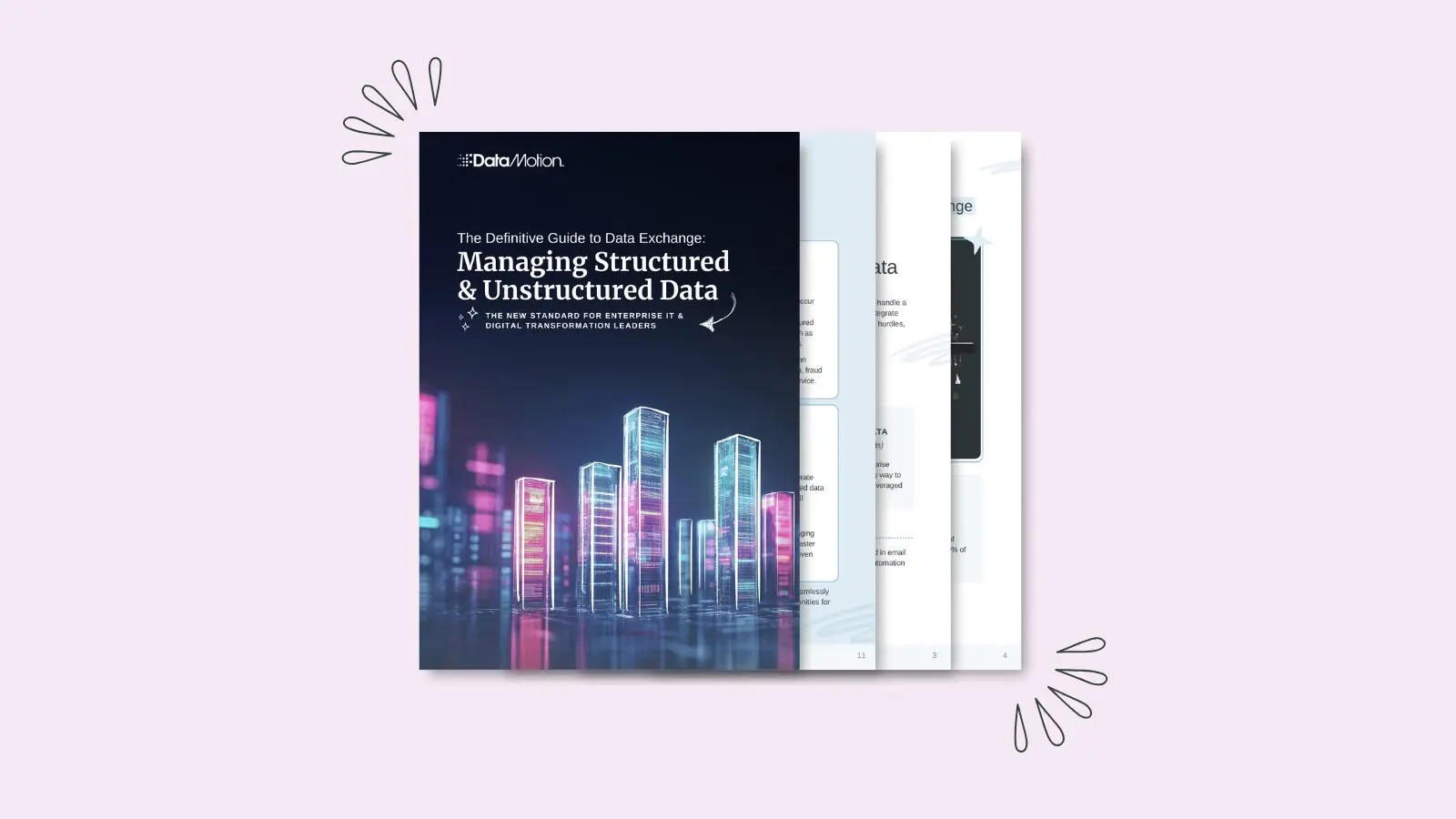
Read the Full Definitive Guide
Prefer the designed version? Download the original 16-page guide for the complete visual walkthrough, industry examples, implementation roadmap, and source references.
Continue Exploring Secure Data Exchange
- Secure Message Center — Explore secure two-way messaging and document exchange.
- Smart Secure Forms — Capture sensitive information in a structured, secure experience.
- Talk to DataMotion — Bring us one workflow where information is getting stuck.
Start With One Exchange That Is Slowing You Down
Show us where sensitive information enters, where it needs to go, and where people are manually bridging systems today. We can help you identify a practical path to more secure, connected data exchange.
Frequently Asked Questions
Quick answers to common questions about structured and unstructured data exchange.
What is the difference between structured and unstructured data?
Structured data follows defined fields and formats, such as database records, transaction logs, and form fields. Unstructured data includes information such as emails, messages, documents, PDFs, attachments, and notes that does not fit neatly into a predefined structure. Effective data exchange needs to account for both.
Why is unstructured data difficult for enterprises to manage?
Unstructured information often moves through inboxes, portals, documents, and messaging tools separately from core business systems. That can create manual re-entry, disconnected workflows, compliance exposure, and information that is difficult to analyze or act on.
What is intelligent data exchange?
Intelligent data exchange is an approach that connects secure communication, structured systems, unstructured information, integration, and automation so information can move into the people, applications, and workflows that need it.
How can organizations connect structured and unstructured data?
Organizations can combine APIs, low-code integrations, secure messaging, forms, document exchange, and workflow automation to connect information across portals, email, CRMs, contact centers, EHRs, and other business systems.
How does AI fit into secure data exchange?
AI can help classify, extract, summarize, and route information from messages, documents, forms, and other unstructured inputs. Those capabilities are most useful when the underlying exchange is connected, secure, auditable, and governed appropriately.
Sources Cited in the Original Guide
- Forbes Tech Council: The Unseen Data Conundrum
- VentureBeat: Report: Data silos cause employees to lose 12 hours a week chasing data
- Forbes / SAP BrandVoice: Why Removing Data Silos Is Key To Unlocking AI Value
- Accenture: Finance & Risk Consulting
- ResearchGate: AI-driven intelligent document processing for healthcare and insurance